
POS Access Control
Premium Launch −30%Restrict each cashier or store to their own POS registers — orders, sessions and configurations hidden from everyone else (Community).
| Technical name | oski_pos_shop_security |
|---|---|
| License | OPL-1 |
| Author | OdooSkills |
$ 29.00
$ 20.30
Launch price — 30% off until December 31, 2026
A ready-to-use Odoo database with demo data, deleted after 1 hour. Odoo 20, 19, 18.
Missing a feature or found a bug?
Request a change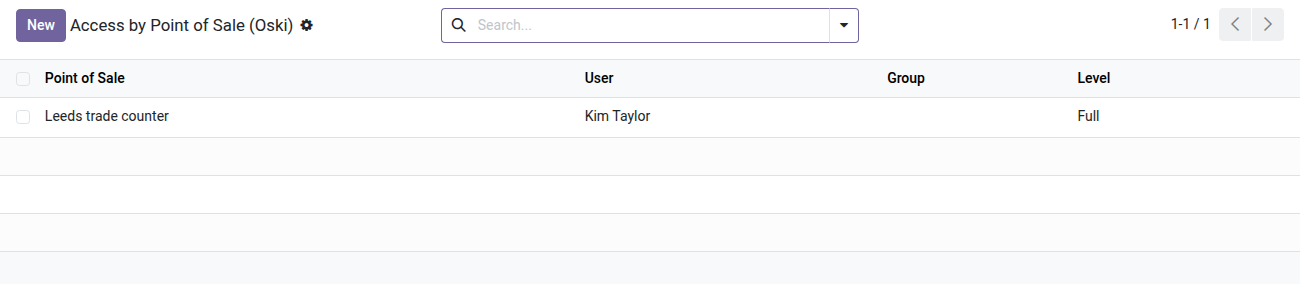
Point of Sale Access Control
Each cashier or store manager sees and works only on their own registers — no more POS data leaking from other stores.
In a multi-store business or a franchise network, every POS user in Odoo Community sees all points of sale by default: the cashier at store A can browse the sales and sessions of store B, and a franchisee can look through the figures of their internal competitors. Odoo Community offers no native per-register partitioning. This unintended transparency becomes a confidentiality, operational discipline and sometimes HR compliance problem — and fixing it should not require an Enterprise license costing thousands of euros.
What it adds
- 🔒 Per-register partitioning — each user or group only accesses the points of sale explicitly assigned to them; the other registers are invisible.
- ⚙️ Two access levels — read-only (viewing orders and sessions) or full access (opening the register, entering orders, closing the session).
- 👥 Per-user or per-group assignment — assign a single user or an entire role (e.g. "Store Manager") in one line; resolution is automatic.
- 📊 Full coverage of POS data — configurations, sessions, orders, order lines and statistical reports are all filtered according to the resolved rights.
- ✅ Built-in safeguard — a user cannot be switched to restricted mode without at least one point of sale assigned; Odoo raises an explicit error before anyone gets locked out of operations.
In screenshots
1. Who sees which point of sale, at which level
One line per user or group: Full lets them act, Read Only lets them look. Lines can also be set from the user or group form.
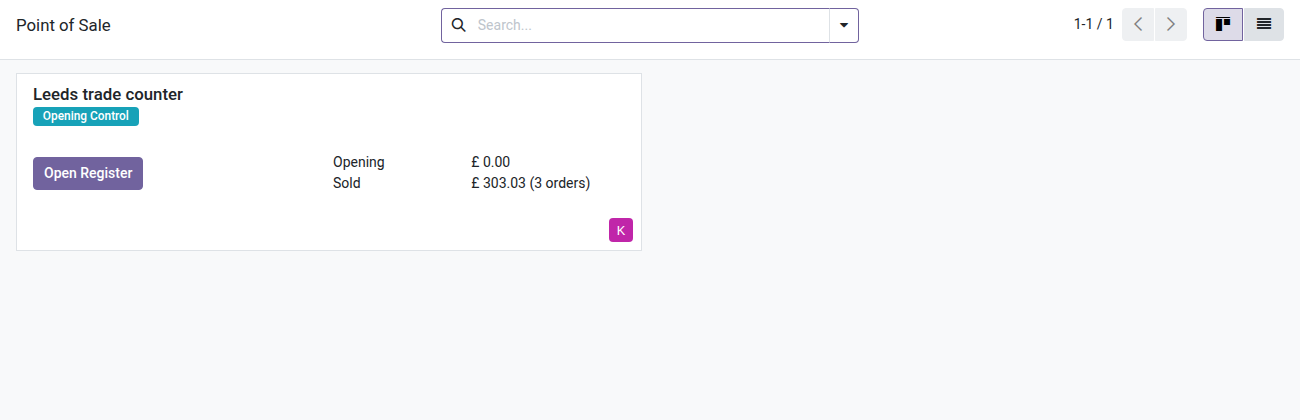
2. One counter, nothing else
The cashier only sees the Leeds trade counter: the other counter and the show pop-up are not listed.
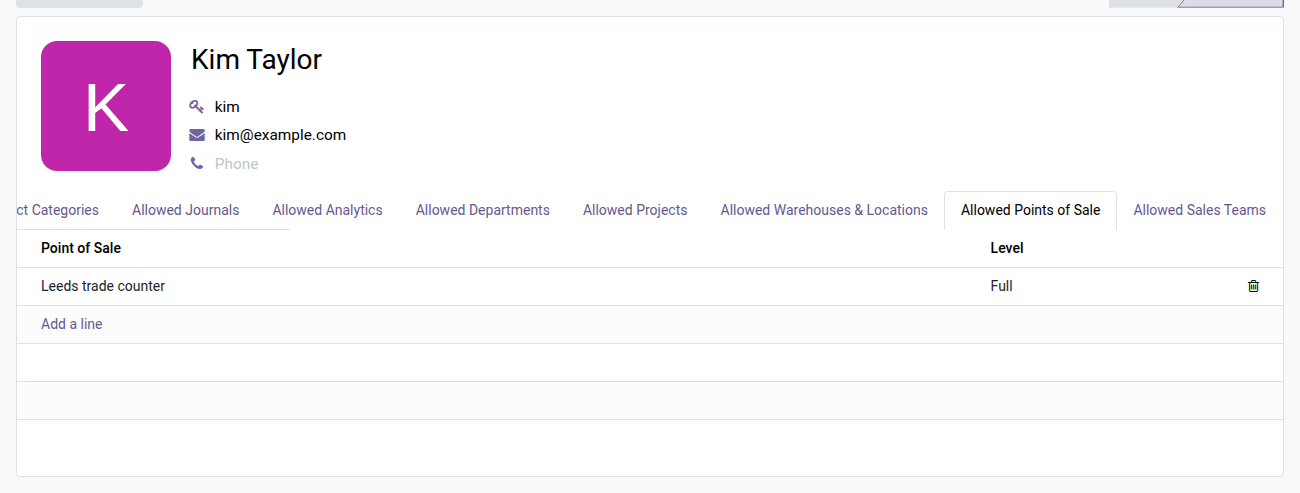
3. Set it from the user form
The Allowed Points of Sale tab on the cashier's form lists what they can see and do, line by line.
Why install it
- An Odoo Enterprise feature brought to Community for a one-time $29 — no subscription, no yearly fee.
- Configured 100% in the interface (user form → "Allowed Points of Sale" tab) — no technical setup, not a single line of code.
- No changes to the Odoo core: the module installs and uninstalls cleanly, and Odoo updates are seamless.
- Ideal for franchise networks, multi-store businesses, multiple operators or any organization where one store's POS data must not be visible from another.
Part of the Dimension Security Suite
Add oski_cost_margin_security_pos (hide costs and margins from cashiers right in the register) and oski_pricelist_security (restrict visibility by pricelist) for complete POS access control. See the full suite on apps.odooskills.com.
License OPL-1 — compatible with Odoo 19.0 Community. Requires the open-source module oski_access_core. Support : apps@odooskills.com.
Discussion
Sign in to join the discussion.