QR vCard Contact
Share any Odoo contact with a single scan — the vCard QR code is generated automatically on the contact form.
At an appointment, a trade show or a customer meeting, exchanging contact details takes time: dictating a number, spelling out an email address, handing over a business card that will end up lost. Your contacts are already in Odoo — why type them in by hand on the other person's phone?
What it adds
- 📲 A vCard QR code ready to scan — each contact form gets a dedicated "QR vCard" tab showing the code, to display right on screen or to print.
- ⚡ Automatic generation, no action needed — the code is recomputed whenever the name, email, phone, job position or website changes; always up to date, zero clicks.
- 📇 Universal vCard 3.0 format — works with the native camera app on iOS and Android: the contact (name, company, job position, email, phone, website) is added to the smartphone's address book in one tap.
- 🔁 Synced with Odoo — the QR code always reflects the Odoo data in real time: new position, new number, new website — the code is regenerated instantly.
Real screenshots
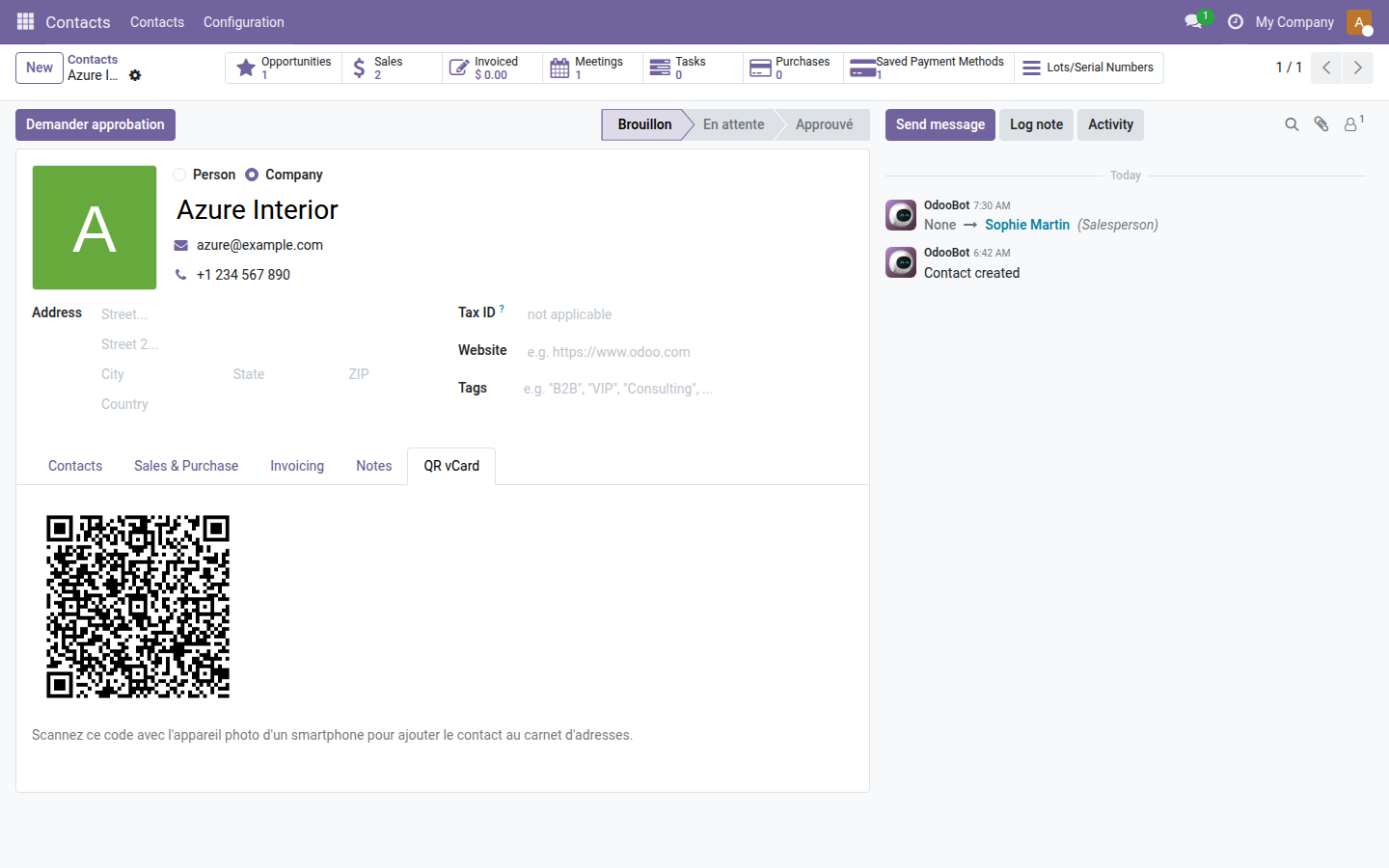
1. QR vCard tab on the contact form
The vCard QR code is generated automatically when the form opens and updated whenever the contact details change — no click required.
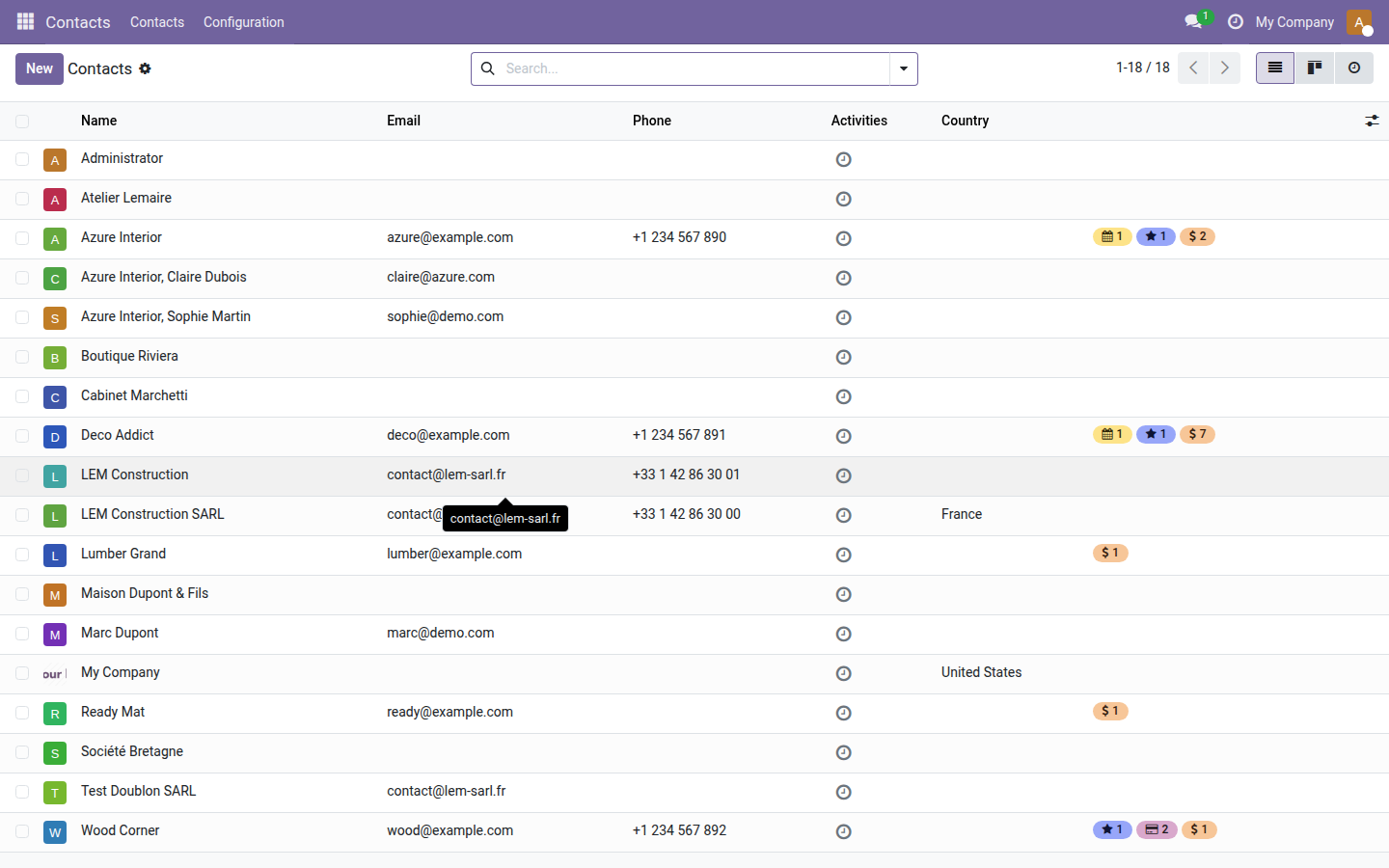
2. Contacts list view
The module applies to the whole address book with no configuration — every contact, new or existing, immediately gets its QR vCard.
Why install it
- Zero manual entry for the other person: a one-second scan does the job where dictating takes two minutes.
- No external dependency for the end user — the phone's native camera is enough, no third-party app is required.
- Ideal for salespeople, consultants and field teams who meet customers on site and want to leave a professional, frictionless impression.
- A lightweight module, no configuration: once installed, the QR code appears on every existing and future contact form.
LGPL-3 license — compatible with Odoo 19.0. Requires the qrcode Python library (installed via pip). Support: apps@odooskills.com.
Discussion
Sign in to join the discussion.