
Depreciation on Receipt
Open sourceThe person receiving builds the depreciation schedule of the asset they have just received.
| Technical name | oski_asset_depreciation_purchase |
|---|---|
| License | LGPL-3 |
| Author | OdooSkills |
Depreciation on Receipt
The warehouse clerk receives an order: the asset is created, and its depreciation schedule starts with it. Open source, and invisible.
Three computers arrive, the warehouse clerk validates the receipt, three assets enter the register. That is what the purchase bridge already does. Add depreciation, and the same receipt must also build three schedules — under the identity of the warehouse clerk, who is neither an accountant nor an asset manager. Without this bridge, it fails silently: the stock move is validated normally, the receipt reports "success", and the asset is not created. Nothing on screen, nothing in the asset list, and the gap is only discovered at the next inventory. This module gives the person receiving the strictly necessary right, and nothing more.
What it brings
- ✅ The receipt creates the asset AND its schedule — in the same operation, under the identity of whoever receives, without privilege escalation.
- 🔑 Write access to depreciation lines only — the person receiving gains no access to asset values, journal entries or the fixed asset report.
- 📅 The policy comes from the product's category — method, duration, frequency: the asset born from a receipt depreciates like all its peers, with no manual rework.
- 🧩 Automatic installation — it sets itself up as soon as depreciation and the purchase bridge are present, whatever the installation order, and removes itself cleanly if either one goes away.
- 🆓 Open source — an integration fix is not something you charge for.
In screenshots
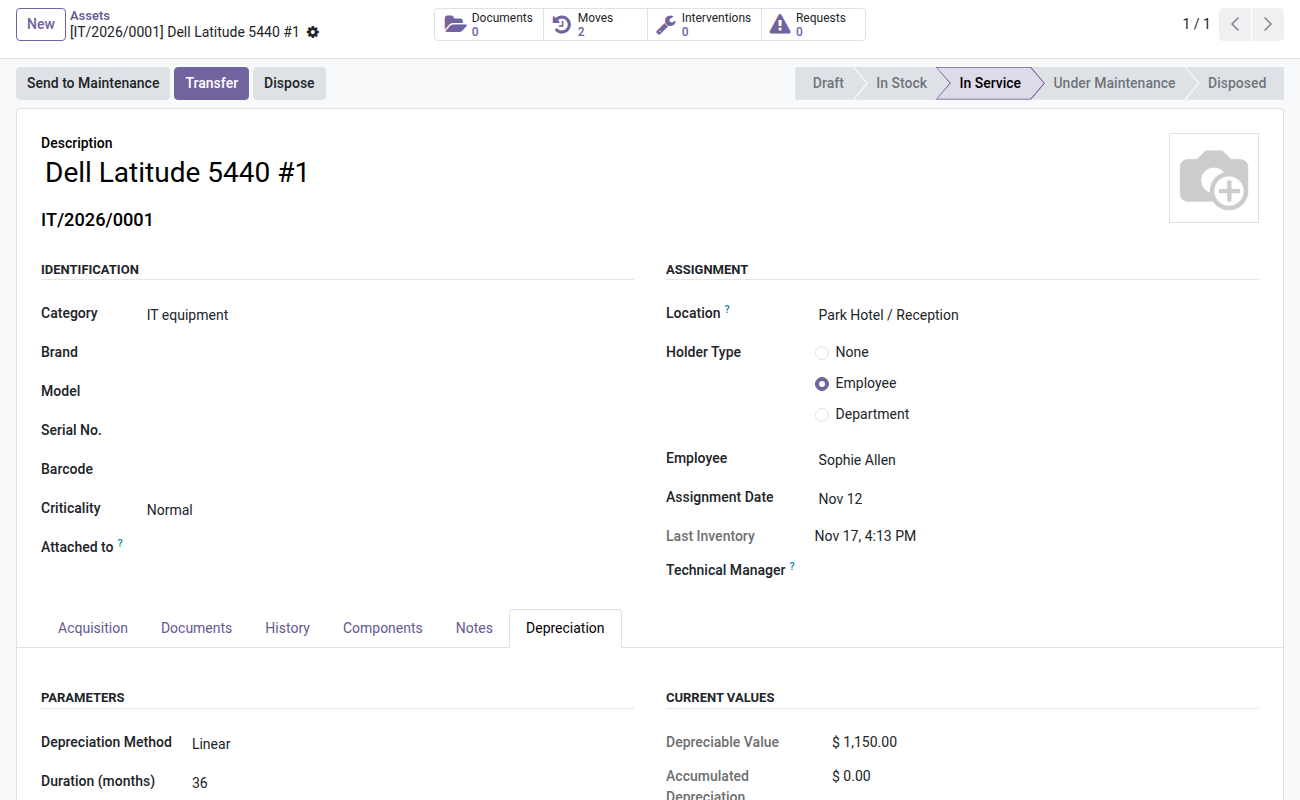
1. Board ready at receipt
An asset created by the receipt gets its depreciation board right away.
Why install it
- It removes a silent failure — the most expensive kind, since nothing flags it.
- The warehouse clerk keeps their scope: they receive, they do not post to accounting.
- No manual rework afterwards: whatever comes in can be depreciated immediately.
- Nothing to decide, nothing to configure, nothing to pay.
The Asset Management suite
This bridge connects two paid modules, and only makes sense with them:
- 📉 Depreciation and Disposal (
oski_asset_depreciation) — $49: required. The schedule, net book value, costed disposal and the fixed asset report. - 🛒 Asset Purchases (
oski_asset_purchase) — $29: required. It is what creates the asset when an order is received. - 🧾 Depreciation Entries (
oski_asset_depreciation_account) — $29: the depreciation charges of these new assets land in accounting on their own. - 🏢 Asset Management (
oski_asset) — $49: the core of the whole family.
The Fixed Assets bundle (core + depreciation + accounting bridge + this bridge) is $99 instead of $127. The complete Asset Management family — eleven paid modules and eight open-source bridges — is $299 instead of $509. Details on apps.odooskills.com.
📦 Need it all? The Asset & Maintenance suite installs all ten modules at once for $299 instead of $460.
License LGPL-3 — compatible with Odoo 19.0 Community and Enterprise. Requires oski_asset_depreciation and oski_asset_purchase. Flagged auto_install: you do not have to install it yourself, Odoo sets it up as soon as the two modules it connects are present. Interface in French. Support: apps@odooskills.com.
Discussion
Sign in to join the discussion.