
School Parent Portal
Premium Launch −30%Students and their parents follow enrollments, class and enrollment certificate from the portal, without calling the school office
| Technical name | oski_school_portal |
|---|---|
| License | OPL-1 |
| Author | OdooSkills |
$ 29.00
$ 20.30
Launch price — 30% off until December 31, 2026
A ready-to-use Odoo database with demo data, deleted after 1 hour. Odoo 20, 19, 18.
Missing a feature or found a bug?
Request a change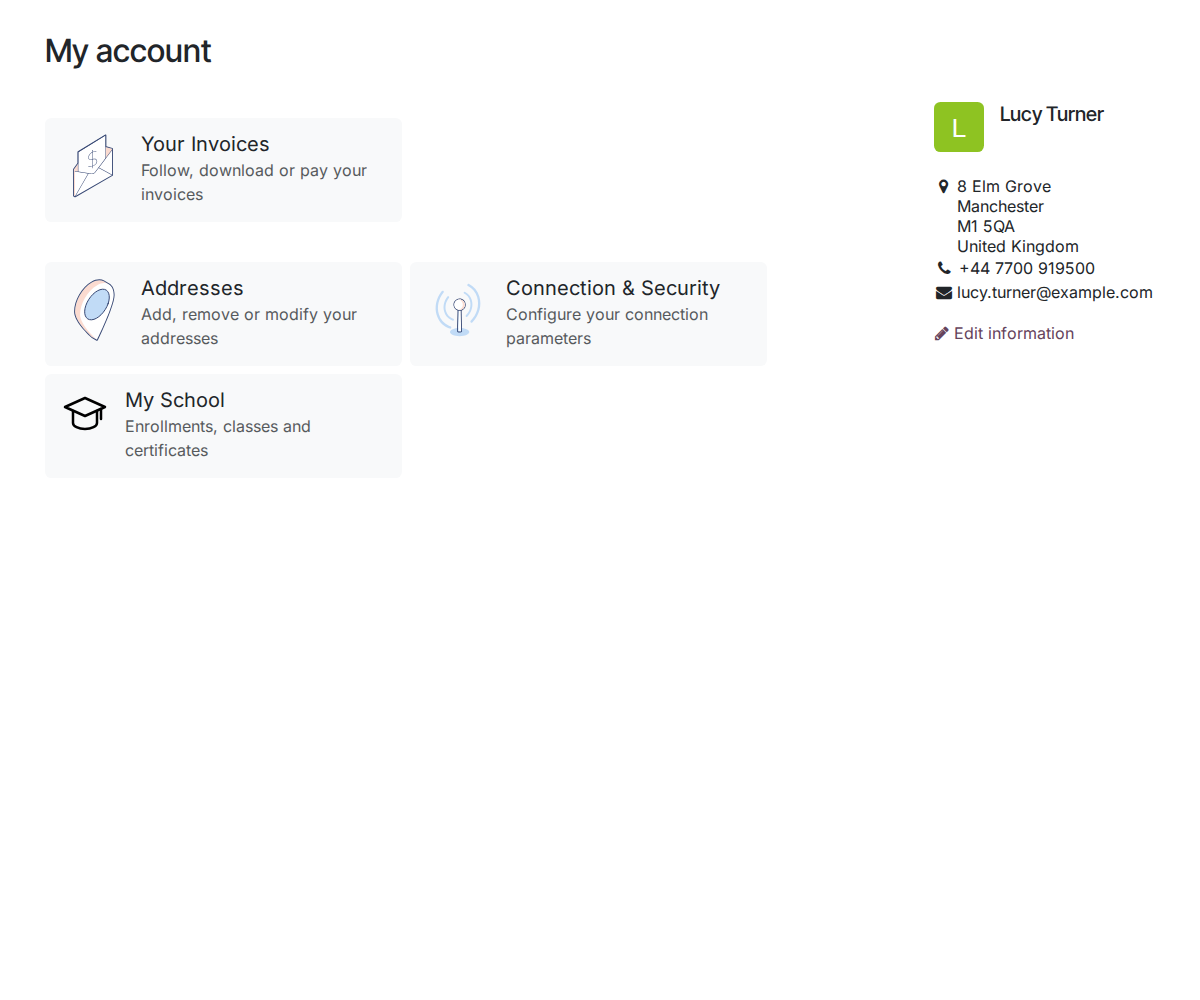
School — Student & Parent Portal
Open the Odoo portal to families: students see their enrollments, parents see their children, and the enrollment certificate downloads in one click — the school office no longer re-keys anything or emails PDFs back and forth.
"Which class is my son in? Could you send me the enrollment certificate again?" Every new school year, the office answers the same questions a hundred times, by phone and by email. Yet the information is already in Odoo — all that is missing is a secure front door for families.
What it brings
- 🏠 "My School" on the portal — a card on the portal home page; an adult student sees their own record, a parent sees all their children, even in different classes.
- 📄 Self-service enrollment certificate — a downloadable PDF for every confirmed enrollment; the token link can be shared from the record (bank, employer, benefits office) without creating an account.
- 🔒 Strict separation between families — belt-and-braces security (access rules + filtered controller): a parent never sees another family's child, nor the contact details of co-guardians; an unknown ID and a forbidden record get the same response.
- 🔑 Grant access in one click — a "Grant portal access" button on the student record and on each guardian; Odoo's native wizard sends the invitation, and the school office (not just the administrator) can do it.
- 🧩 Ready for the rest of the suite — the student page exposes an extension point where Grades & Reports, Attendance and Tuition Fees will add their tabs, without conflicts.
In pictures
1. A My School entry for families
Parents find their children's school space next to their invoices and account settings.
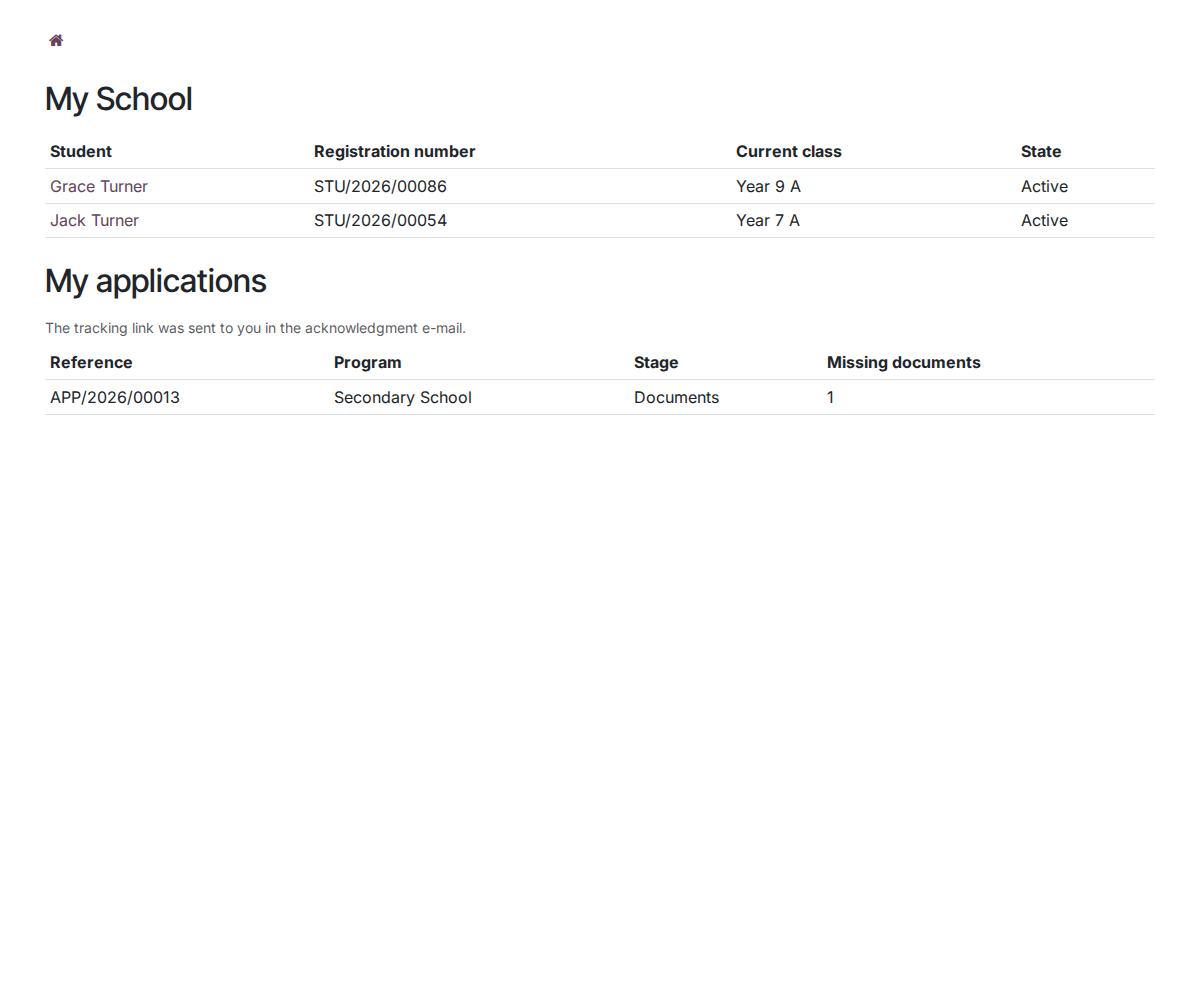
2. All the children of the family
One line per child with registration number, current class and status.
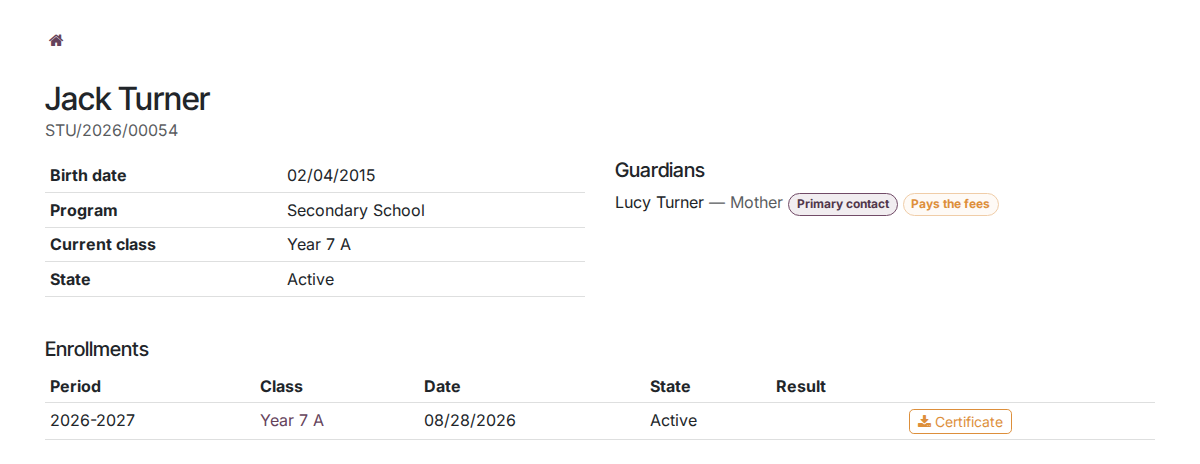
3. The child's page
Identity, guardians, enrollments and a certificate to download; the other school apps add their own sections here.
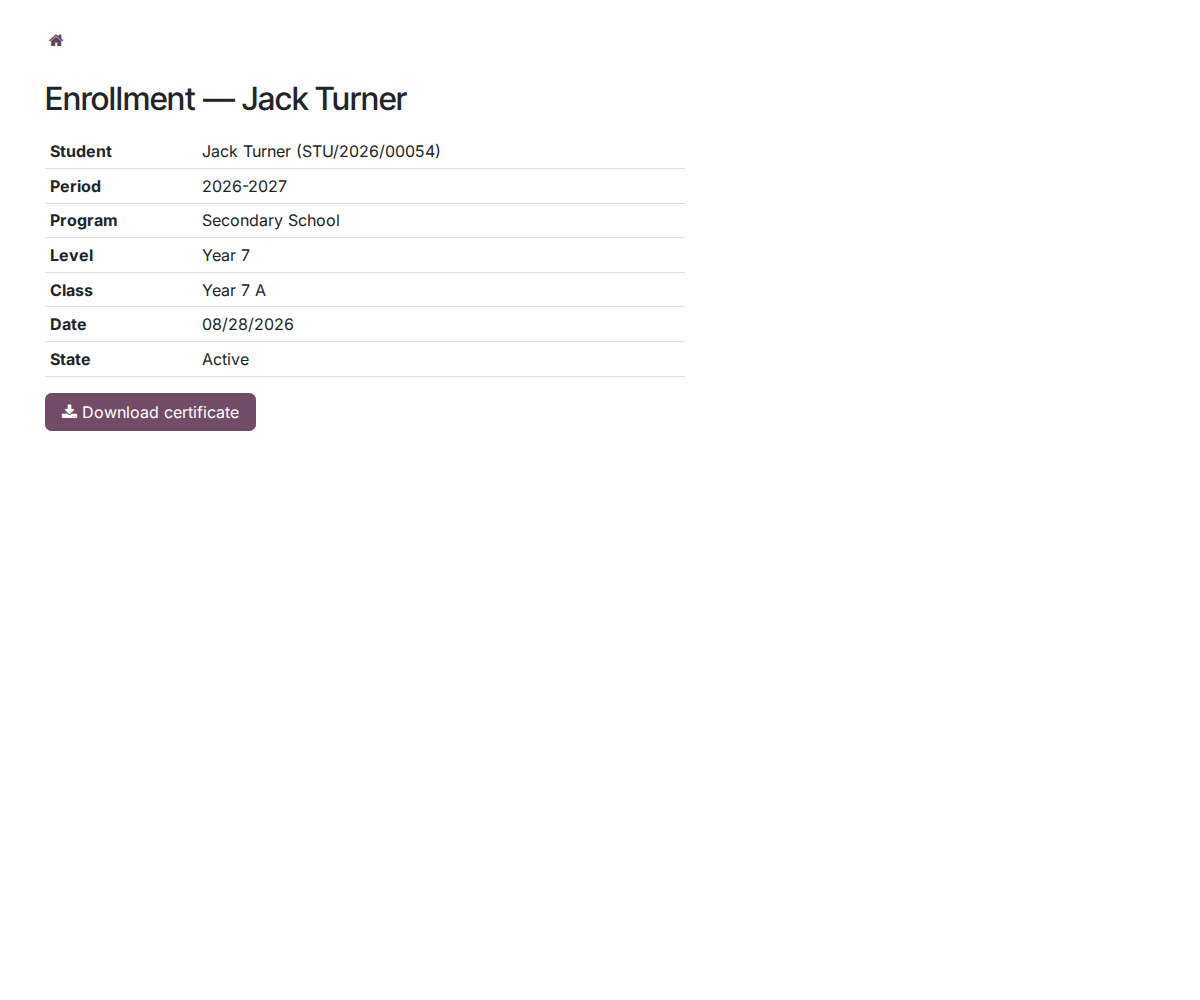
4. Enrollment details and certificate
Each enrollment opens on its own page with a Download certificate button.
Why adopt it
- Dozens fewer calls and emails per week for the school office — families serve themselves.
- Security is tested, not promised: the automated suite checks, among other things, that a parent can neither list, open nor download the record of a child who is not theirs.
- English interface, complete French translation included.
Part of the School suite
Builds on the open-source core School Management — students, classes, enrollments. Complete it with Admissions (applications and online enrollment), Tuition Fees (payment schedules and online payment), Grades & Reports and Attendance — their tabs will appear directly in this portal. Full suite on apps.odooskills.com.
OPL-1 license — compatible with Odoo 19.0 Community. Requires the open-source School (core) module. Support: apps@odooskills.com.
Discussion
Sign in to join the discussion.